1
Scan the QR
Guests point their phone camera at the table QR to open your live menu.
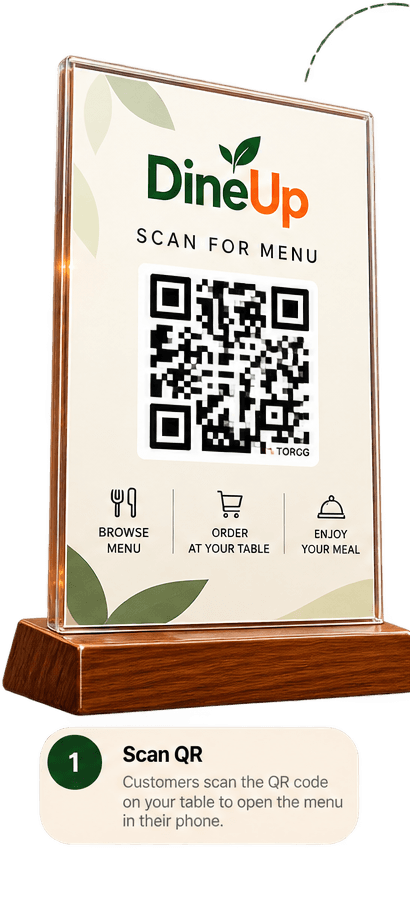
Let guests scan, browse, and order right from their table. Every order goes straight to your kitchen, while you stay in control.
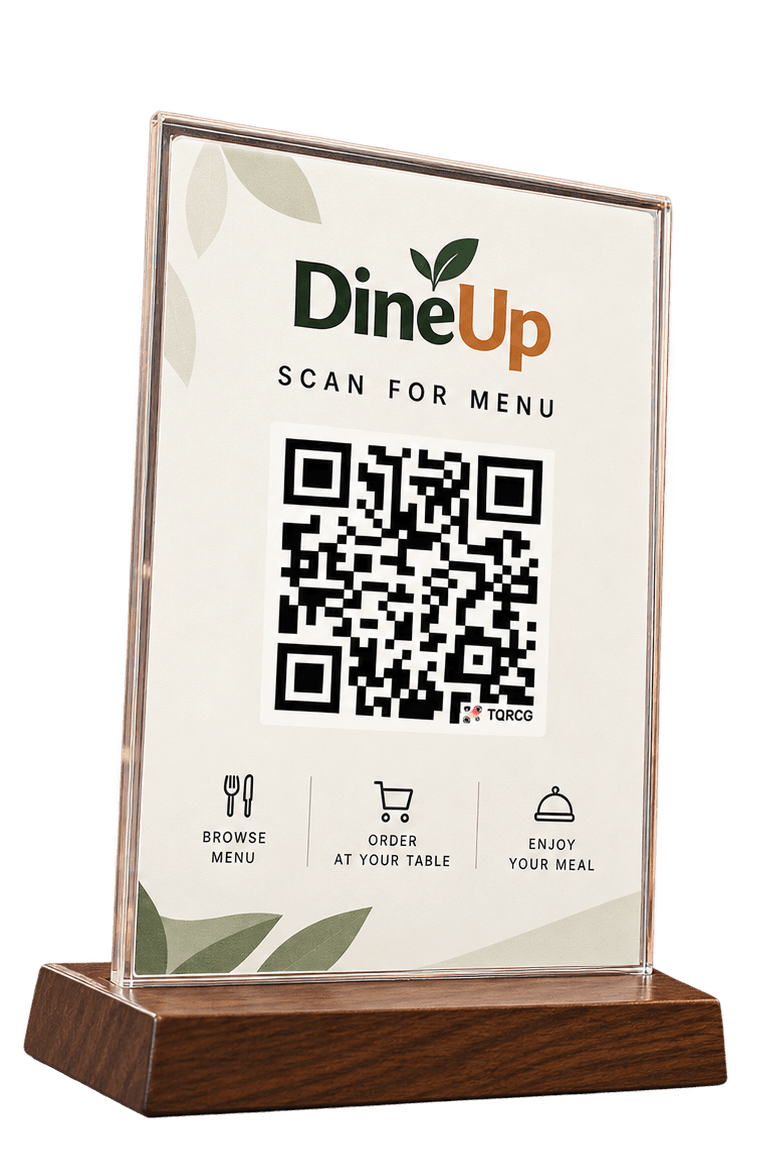
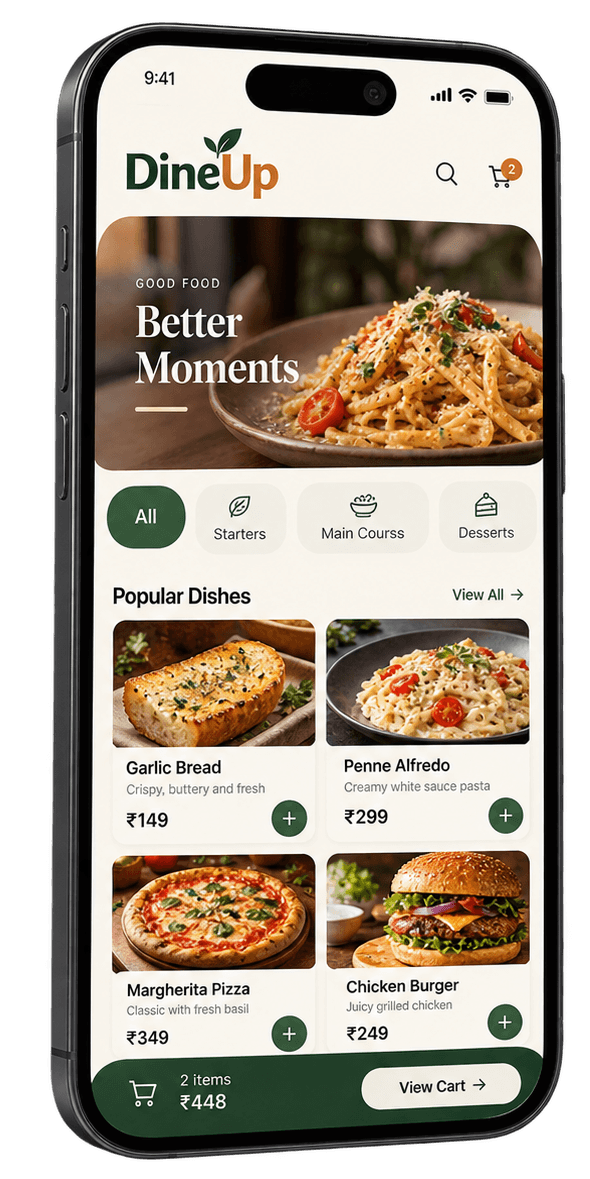
Guests point their phone camera at the table QR to open your live menu.
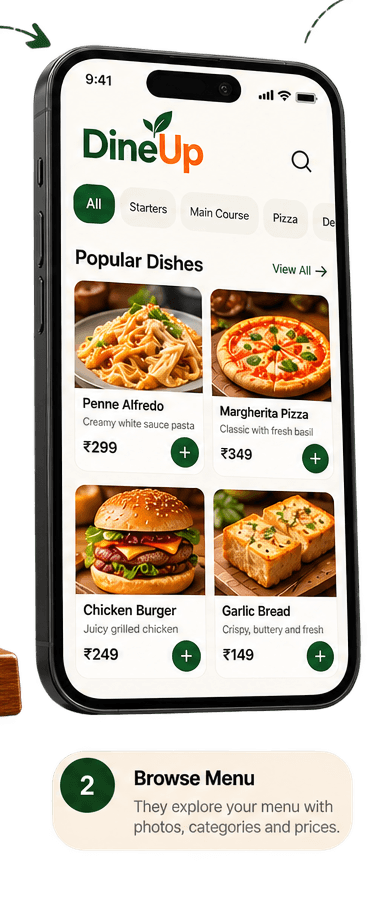
They explore categories, photos, descriptions and prices at their own pace.
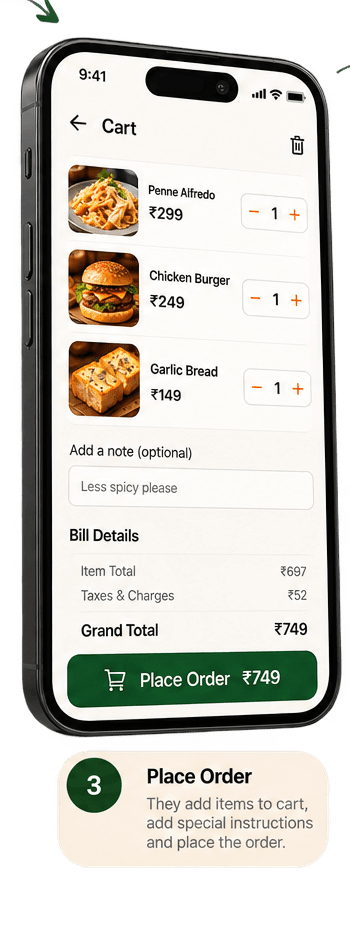
Guests add dishes, adjust quantities and send clear notes with the order.
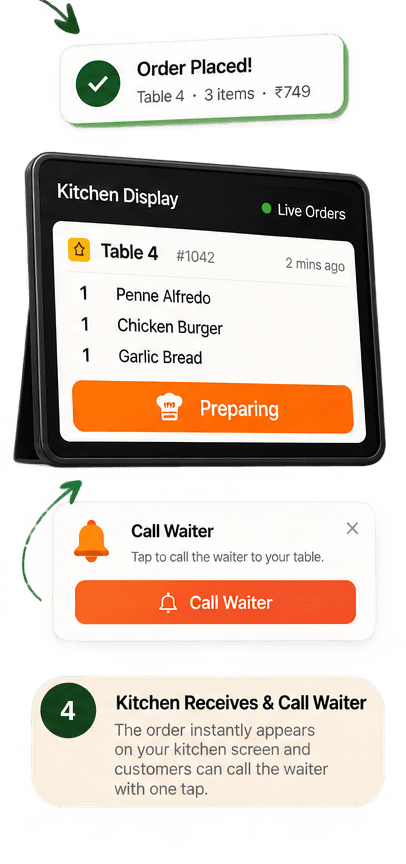
The table and items appear in the order queue, ready for staff to process.
Why DineUp
Move from scattered table-side order taking to one clear flow your guests and team can follow.
Illustrative routine ordering load
Menus, table orders and availability stay organised in one place.
See ordering patterns and popular dishes at no extra analytics fee.
Collect customer input without adding another disconnected tool.
Illustrative routine ordering load
Illustrative busy-restaurant scenario; actual staffing needs and savings vary. DineUp supports your team—it does not prescribe total headcount.
Built for your next service
Create your restaurant, add your menu and prepare table QR codes from one straightforward workspace.
Good to know
DineUp is designed to fit around your restaurant team—not get in their way.
No. Guests scan the table QR code and use DineUp directly in their mobile browser. A customer account is not required for basic ordering.